NaviPen
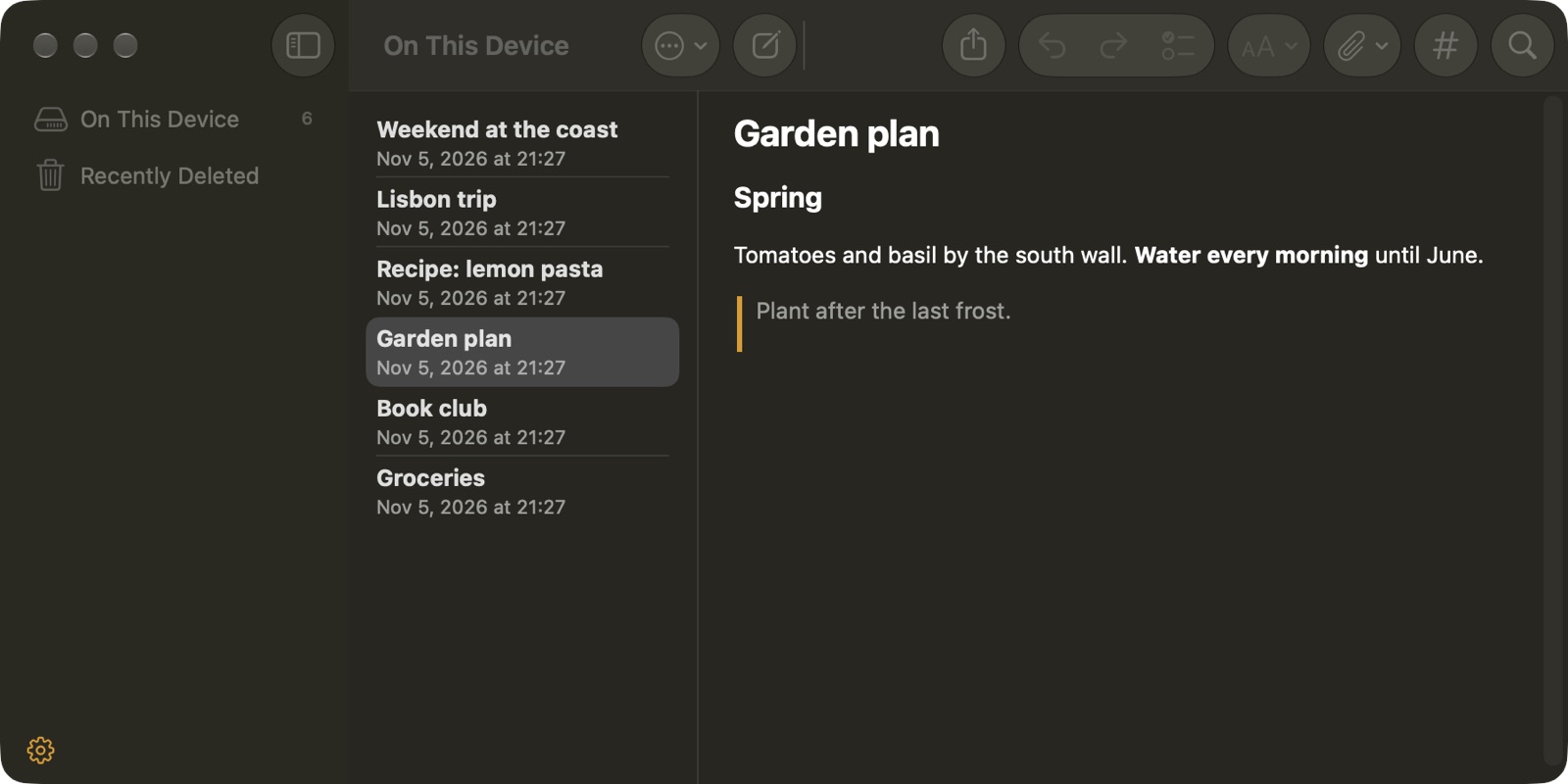
Your notes. Your server.
NaviPen keeps notes on the server you run, or only on this device. Add more than one account and keep them side by side.
14 days free, then a one-time unlock through the App Store.
Coming to the App Store.
Where the notes go
- Joplin Server
- Your Joplin Server address and login.
- Nextcloud Notes
- The address you open Nextcloud at. The Notes app must be installed. With two-factor login, use an app password.
- WebDAV
- A folder of Markdown files, for example an Obsidian vault. Every .md file is a note and its file name is the title.
- Memos
- Memos 26.10 or newer, with your password or an access token.
- On This Device
- No server. The notes stay on this device.
NaviPen is not affiliated with Joplin, Nextcloud, Memos or Obsidian.
Questions
Which note servers does NaviPen work with?
Joplin Server, Nextcloud with the Notes app, a WebDAV folder of Markdown files, and Memos 26.10 or newer. You can also keep notes On This Device, with no server at all.
Which address do I use for Joplin Server?
The address set as APP_BASE_URL on your Joplin Server.
What happens when I add an account?
NaviPen checks the server first: the address, the login, and the Joplin sync format, the Nextcloud Notes API, the WebDAV folder or the Memos version. Only then the account is added and the first sync starts.
When do notes sync?
When NaviPen opens, when it comes to the front, and a few seconds after you change a note. In Settings you can also pick a sync every 1, 2, 5 or 15 minutes.
Can I use my Obsidian vault?
Yes, through WebDAV. Every .md file in the folder is a note, and its file name is the title.
Where are my passwords kept?
In the Keychain on this device. With Memos, the password is used once to make an access token, and only the token is kept.
What does NaviPen cost?
14 days free, then a one-time unlock through the App Store.